
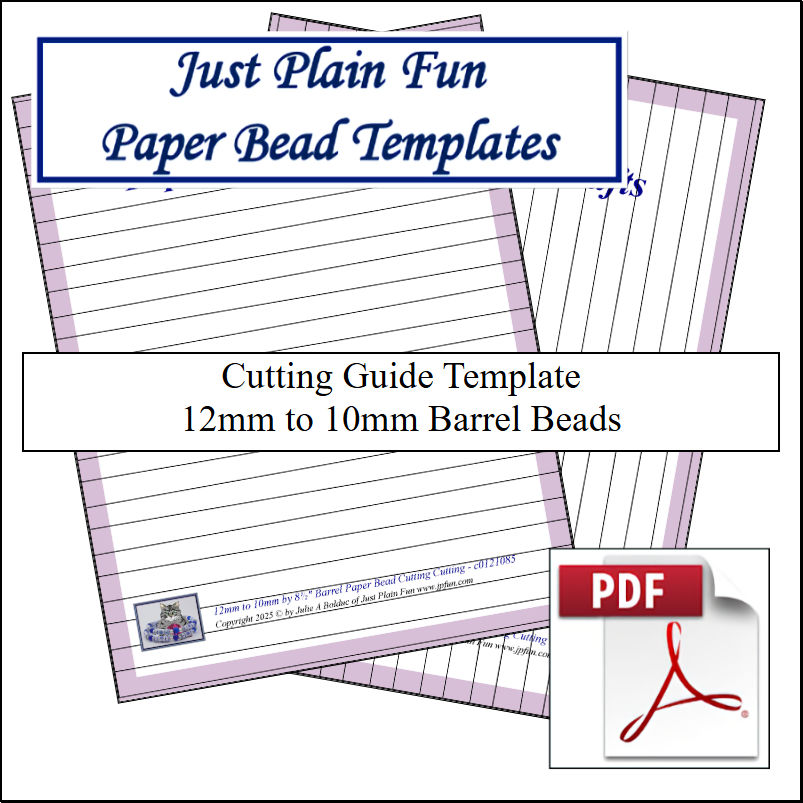
Barrel: 12mm to 10mm Strips
Designed by: Julie A. Bolduc
Date Updated: April 30 2025
Template Size ID: 01210
Paper Strip Sizes: 12mm to 10mm x 8.5in and 11in long.
Designed for Letter or 8.5in and 11in size Paper
These templates are meant to be printed then laminated and use with a guilotine style paper cutter to cut your pretty papers into strips by moving your paper across the template for each cut. There is a video on how to use these cutting guides.
The Cutting Guide Templates are in the PDF file. To download the pdf file, right click or Control click depending on what operating system you have. You can also just click on it if you have a .pdf viewer extension on your computer.
These are only available for download. The video shows them already laminated. I used to sell them laminated but there was not enough interest in them so I discontinued the sale of the laminated version.
Sheetworks Studio
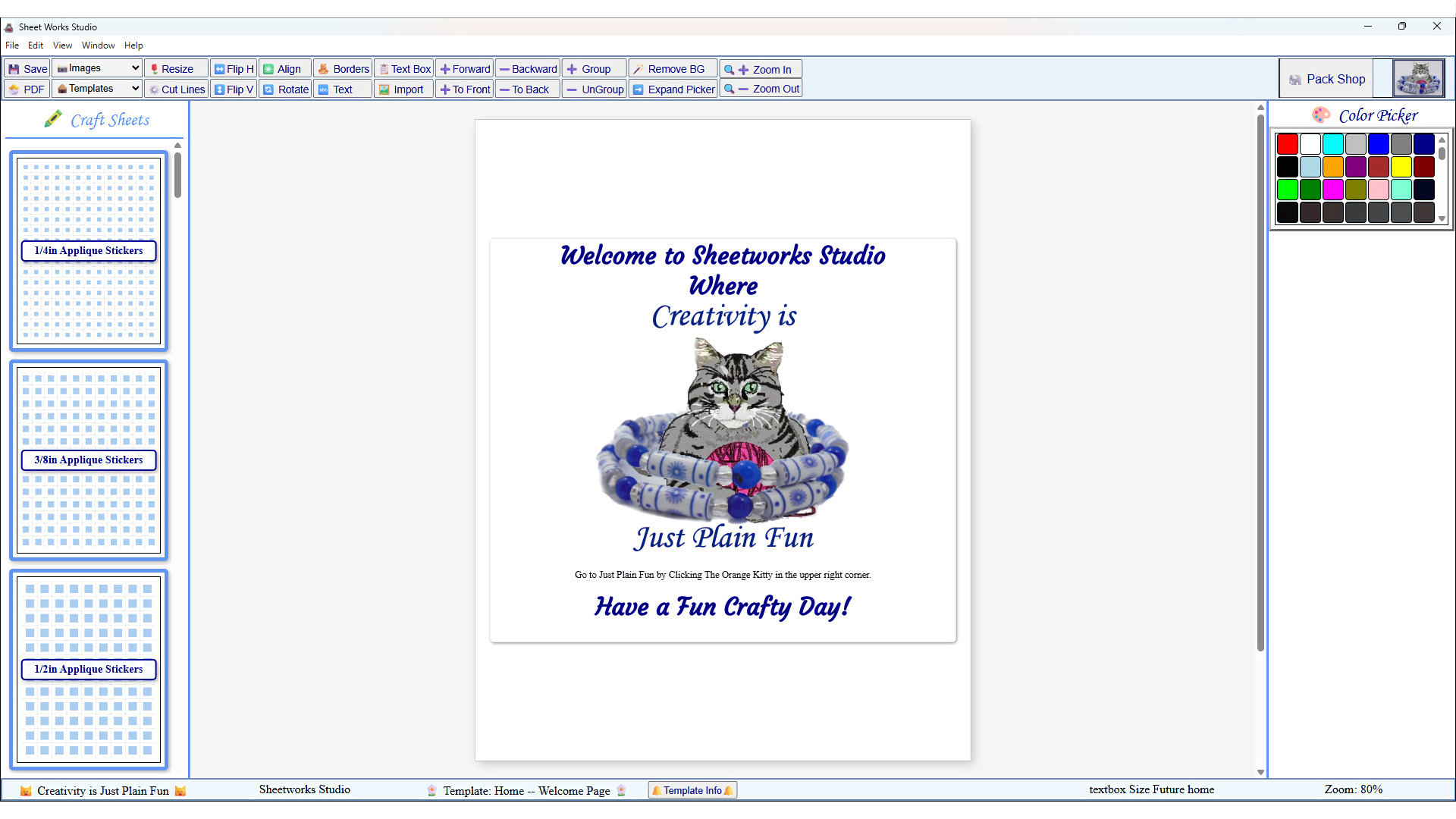
Sheetworks Studio is your free crafting workspace for printing accurate templates, bead strips, quilt blocks, labels, and creative project sheets. Every page is sized for US Letter paper and engineered for clean cuts, perfect alignment, and smooth creative flow.
The new version of Sheetworks Studio has officially arrived! After a month of steady work, improvements, and new features, the app is cleaner, easier to use, and ready for you to explore.
Sheetworks Studio is a one‑time purchase of $100. That’s it — no subscriptions, no monthly fees, and no extra charges. All templates released for Sheetworks Studio are free to download and can be imported directly into the app.
All items in our online shop ship free within the US only. I currently offer U.S. shipping only and it is from rural Maine. Delivery can vary from 2–14 days depending on your distance from Maine. Expedited shipping is not available.
Please note: I am now selling all of my paper bead making tools and other items from this web site using Paypal payments.
I have removed all of my paper bead making tools from Amazon. My Kindle crochet pattern books and paper template paperback books continue to be available on Amazon, as they are printed and fulfilled directly by Amazon. A limited number of paper bead making tools remain available on Etsy but I am not linking to those tools from this site.
Random Quick Tip!
Can CozyNow that it is summer and you are probably drinking more beverages that come in a can, you might want to make some can covers to absorb the condesation out side the can. Well the pattern for the JPFCup would work great for this! You can get the pattern at
//www.jpfun.com/patterns/14misc/jpfcup.shtml. But if this does not work for you, you can make a simple dc circle then when it gets to 2-1/2" in diameter, just continue working one dc in each stitch around joining at the end of each round until it is the right height for the can. I would think using Variegated cotton yarn would work best for these covers.