
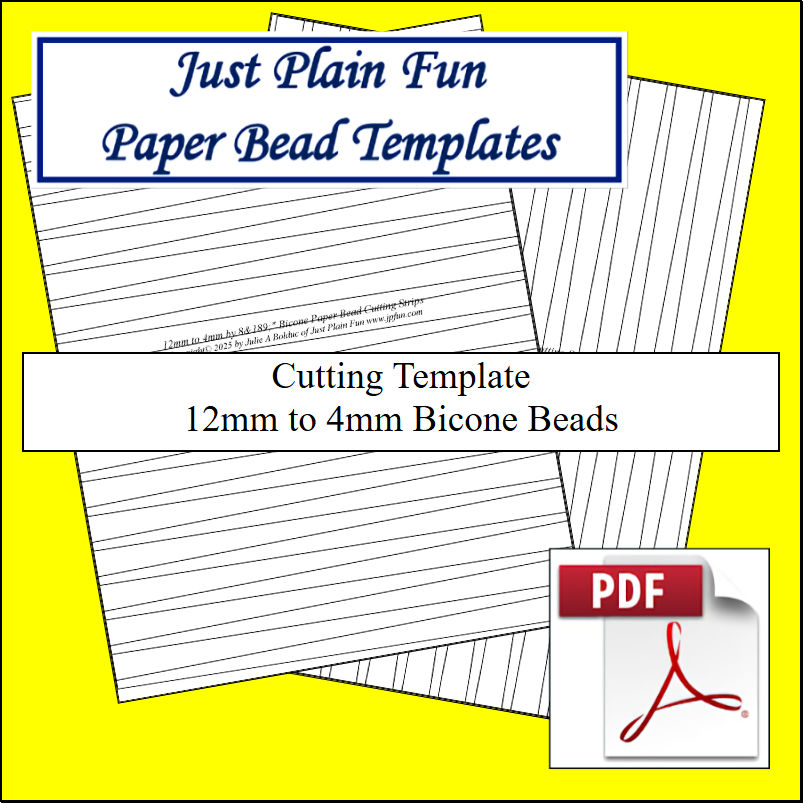
Bicone: 12mm to 4mm Strips
Designed by: Julie A. Bolduc
Date Updated: April 27 2025
Template Size ID: 01204
Paper Strip Sizes: 12mm to 4mm x 8.5in and 11in long.
Designed for Letter or 8.5in and 11in size Paper
This set of cutting templates will make paper bead strips that are 12mm at the wide end, 4mm at the narrow end and from approximately 8.5 to 11 inches long. The templates are meant to be printed either on the back side of your colorful paper or printed on a blank or recycled piece of copy paper and placed on top of the paper you want to cut into strips. Then you cut your paper into strips along the template lines.
Sheetworks Studio — Major Update Coming July 2026!
Sheetworks Studio is your free crafting workspace for printing accurate templates, bead strips, quilt blocks, labels, and creative project sheets. Every page is sized for US Letter paper and engineered for clean cuts, perfect alignment, and smooth creative flow.
A major new version of Sheetworks Studio is coming in July. The app is being refined, expanded, and polished to bring you an even smoother, more powerful creative experience. Until the relaunch, the current version remains usable if you have already downloaded it.
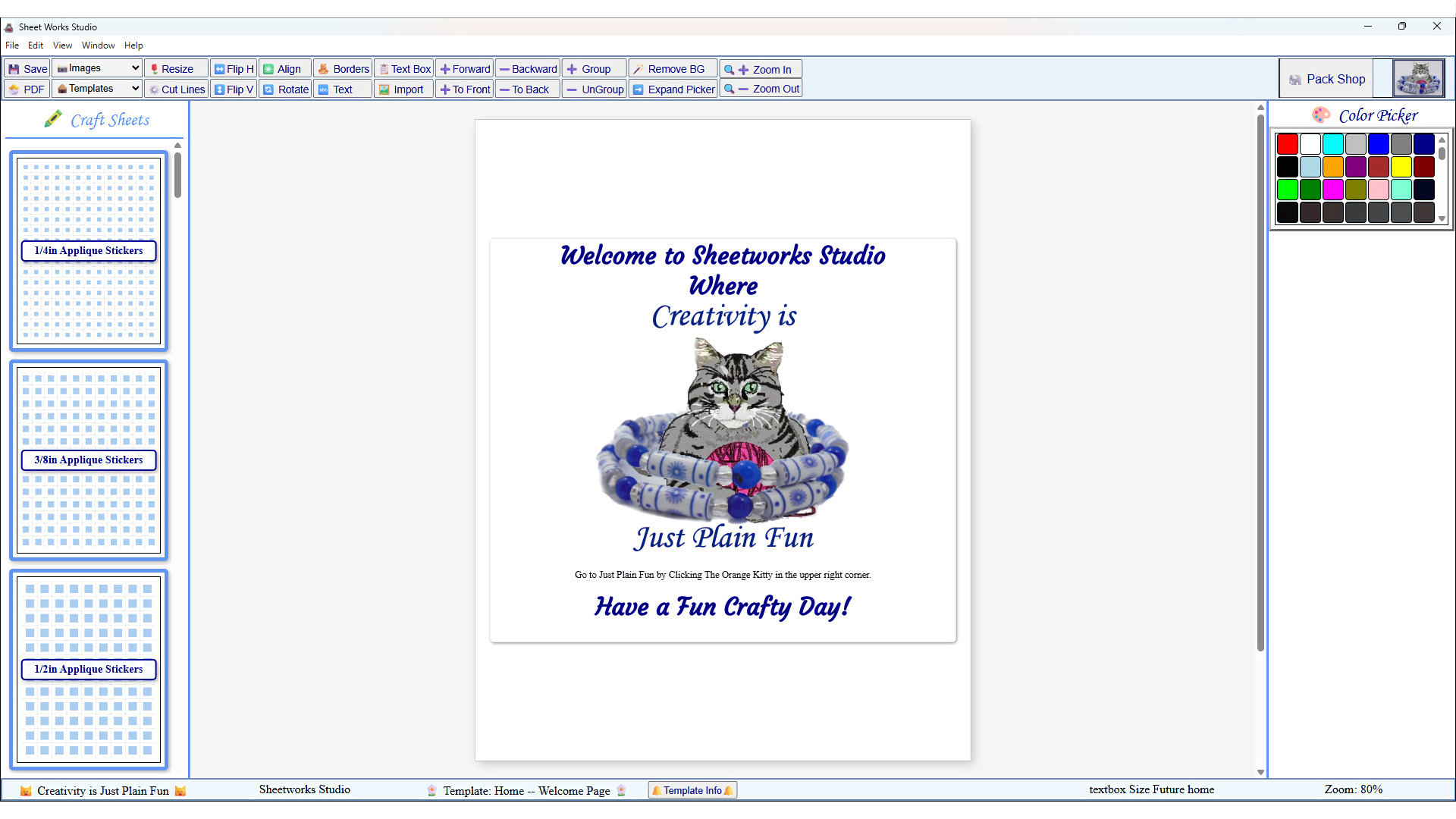
Sheetworks Studio Version 2.5 — Free Download! - Two New Categories Added, Graph Paper and Quilt Blocks
All items in our online shop ship free within the US only. I currently offer U.S. shipping only and it is from rural Maine. Delivery can vary from 2–14 days depending on your distance from Maine. Expedited shipping is not available.
Please note: I am now selling all of my paper bead making tools and other items from this web site using Paypal payments.
I have removed all of my paper bead making tools from Amazon. My Kindle crochet pattern books and paper template paperback books continue to be available on Amazon, as they are printed and fulfilled directly by Amazon. A limited number of paper bead making tools remain available on Etsy but I am not linking to those tools from this site.
Random Quick Tip!
Organizing FabricI am organizing my fabric by taking photos of each Fat Quarter and bigger and putting them into folders on my computer by color. Then I make sure I can see the photo's information and edit the Comments, Author and Subject information to reflect where I got the fabric from, how much I have and where it is located in my sewing room. Then I can just import the image of the fabric I want to use in a quilt, into EQ8, for when I am designing a quilt. It is a lot of work but well worth it.have