
Bicone: 3/4in to 1/4in Strips
Designed by: Julie A. Bolduc
Date Updated: July 28 2025
Template Size ID: 034014
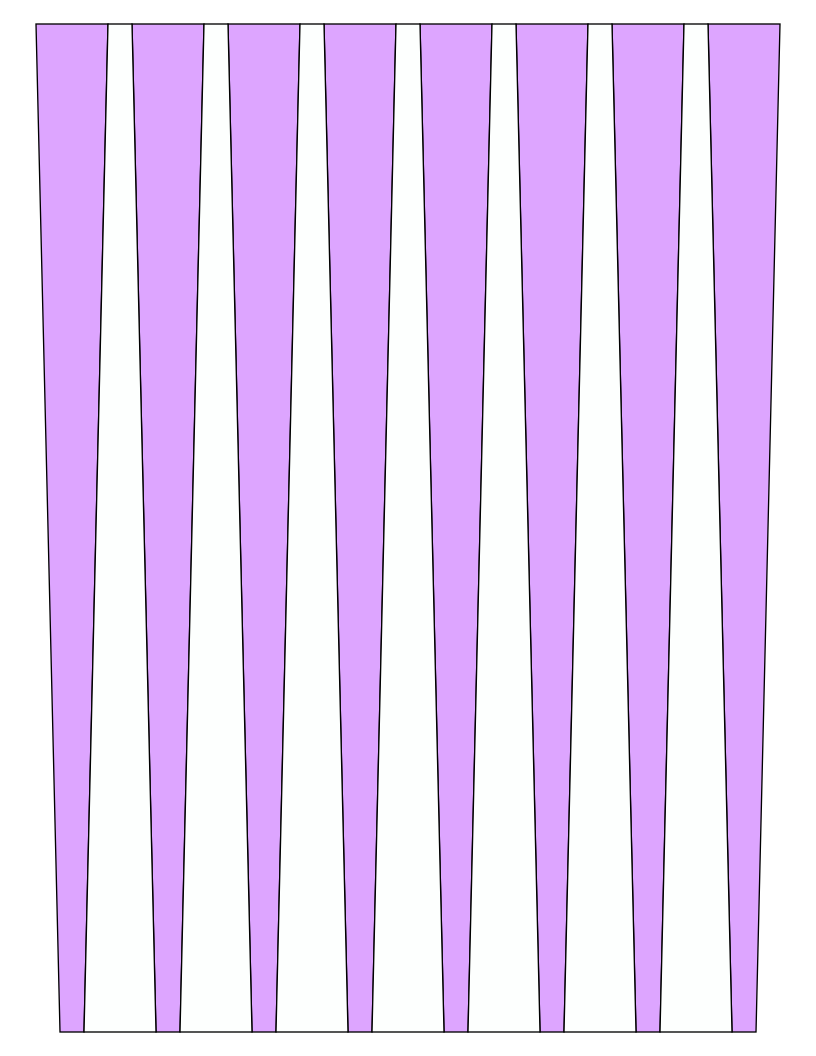
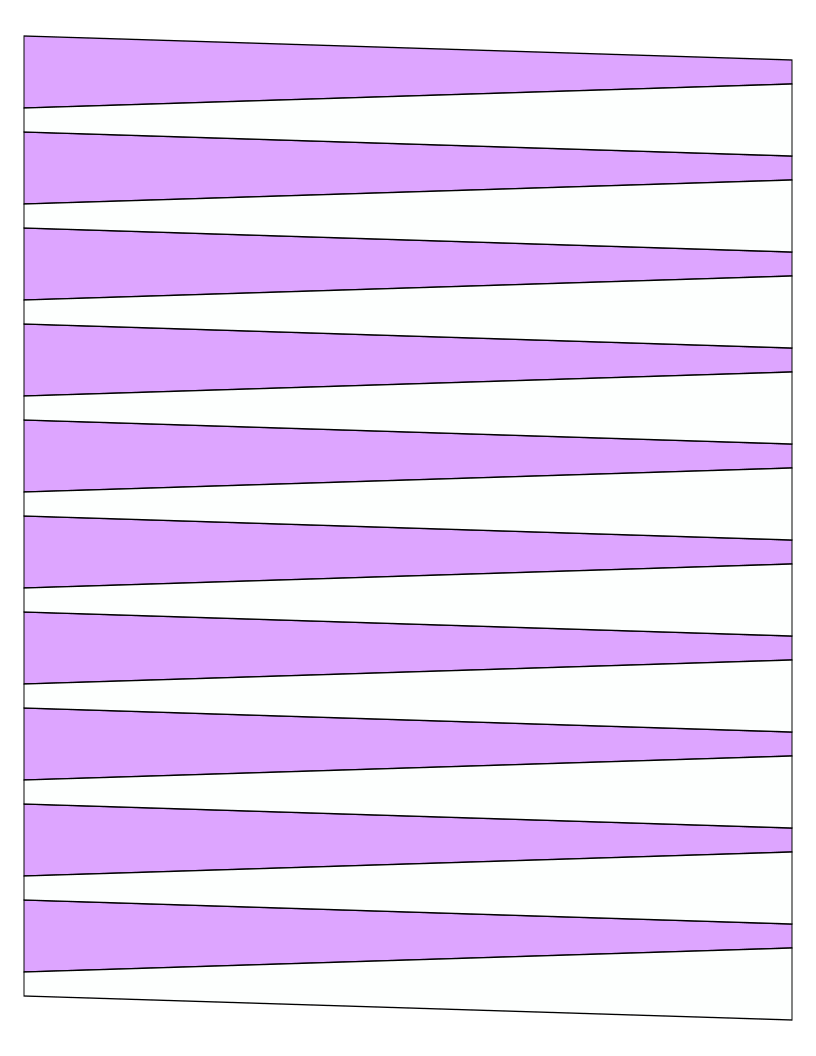
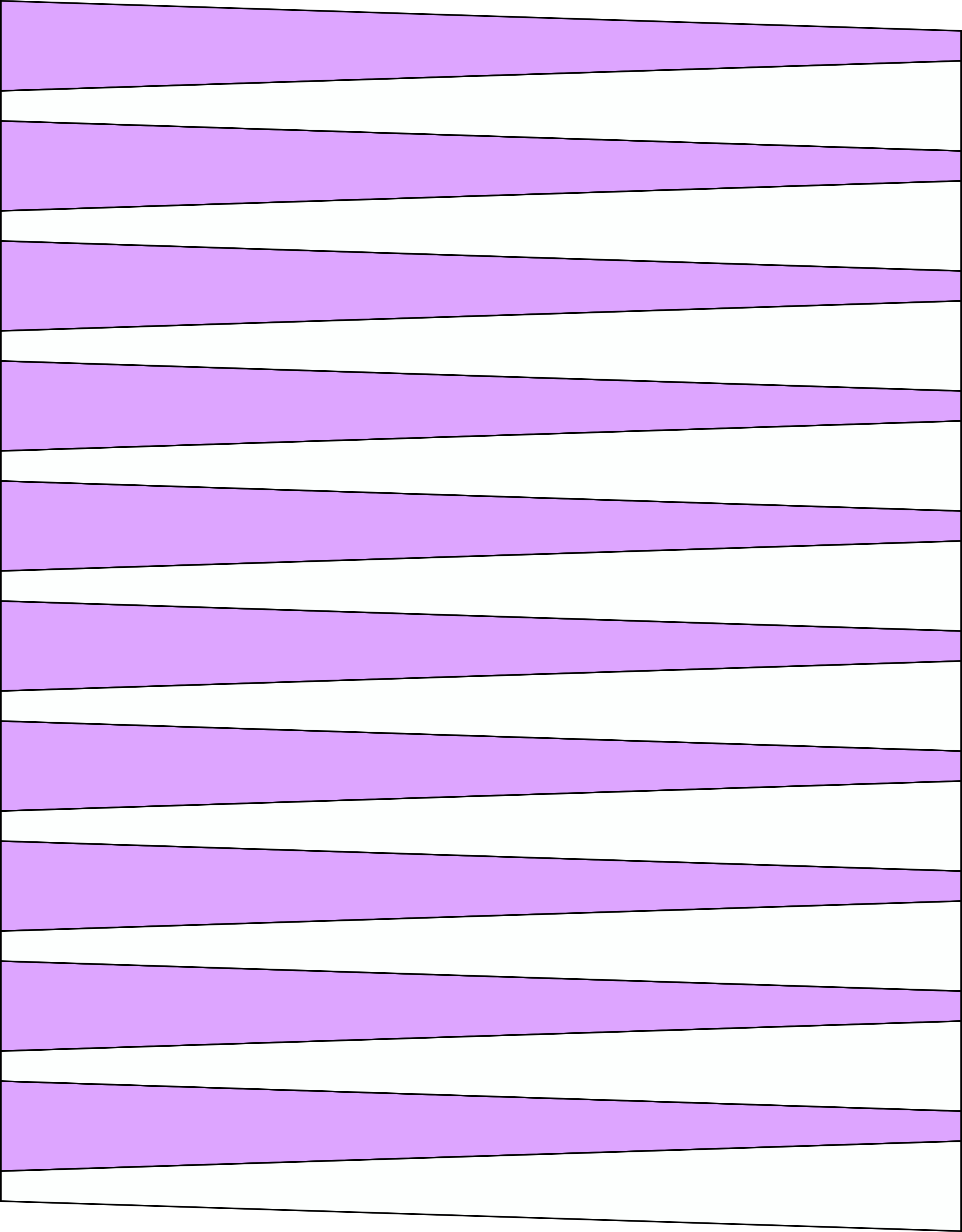
Paper Strip Sizes: 3/4in to 1/4in x 8.5" and 11" long.
Designed for Letter or 8.5in and 11in size Paper
The zip file contains svg, .wpc, .png and .pvgc files for use on your electronic cutting machine.
To download the pdf or zip file, right click or Control click depending on what operating system you have.
Cricut Design Space Size Chart
| SVG File ID | Paper Size Inches | Width | Height |
|---|---|---|---|
| p034014-85 | 8.5x11 | 8 | 10.25 |
| p034014-11 | 8.5x11 | 7.75 | 10.5 |
| Width and Height is Inch Settings in Cricut Design Space The sizes on this chart are only for the Machine cutting files in this set. Other sizes will vary depending on how many strips will fit on a page. | |||
Individual Machine Cutting Files

All items in our online shop ship free within the US only. I currently offer U.S. shipping only and it is from rural Maine. Delivery can vary from 2–14 days depending on your distance from Maine. Expedited shipping is not available.
Please note: I am now selling all of my paper bead making tools and other items from this web site using Paypal payments.
I have removed all of my paper bead making tools from Amazon. My Kindle crochet pattern books and paper template paperback books continue to be available on Amazon, as they are printed and fulfilled directly by Amazon. If you would like to shop my Etsy Store, follow the link in the header above.
Random Quick Tip!
CoastersA basic round pattern such as you would use for the above can cover idea, could be used as a simple fast coaster. You could work the last round in reverse single crochet to form a ridge around the permimeter. You could work it as many rounds as needed for your glassware or cans. Variegated cotton yarn would be best for these coasters.